



We all know that Game Masters spend a lot of time on game preparation: whether it's designing stat blocks, preparing traps, carefully picking NPCs' portraits, or picking gorgeous battlemaps for your encounters.
For $25 a month, Czepeku provides thousands of detailed battlemaps with seasonal and thematic variations, both for fantasy and sci-fi, but with that many choices, it can take a minute to find the exact map for your needs.
In this article, we explain the different ways you can browse and search our map, scenes and tokens catalogues to find the perfect art for your situation!
How to Search
You have a specific idea in mind and want to search for the perfect map, scene, or token? Then you just have to use the search bar at the top of the catalogue!
You can either type the name of a specific asset you want to find again, or use the tags to browse a subset of the catalogue that fits your needs.
When searching maps, you can also toggle the "Animated" button to search only for maps that have an animated version.
Search with Tags
You can use the arrow at the right of the search bar to list all the available tags, or type in the search bar and see if what you have in mind exists as a tag name.
You might get suggestions based on what you typed: "castle" isn't a registered tag but you'll get the suggestions "palace", "fortification", "complex", or all three!
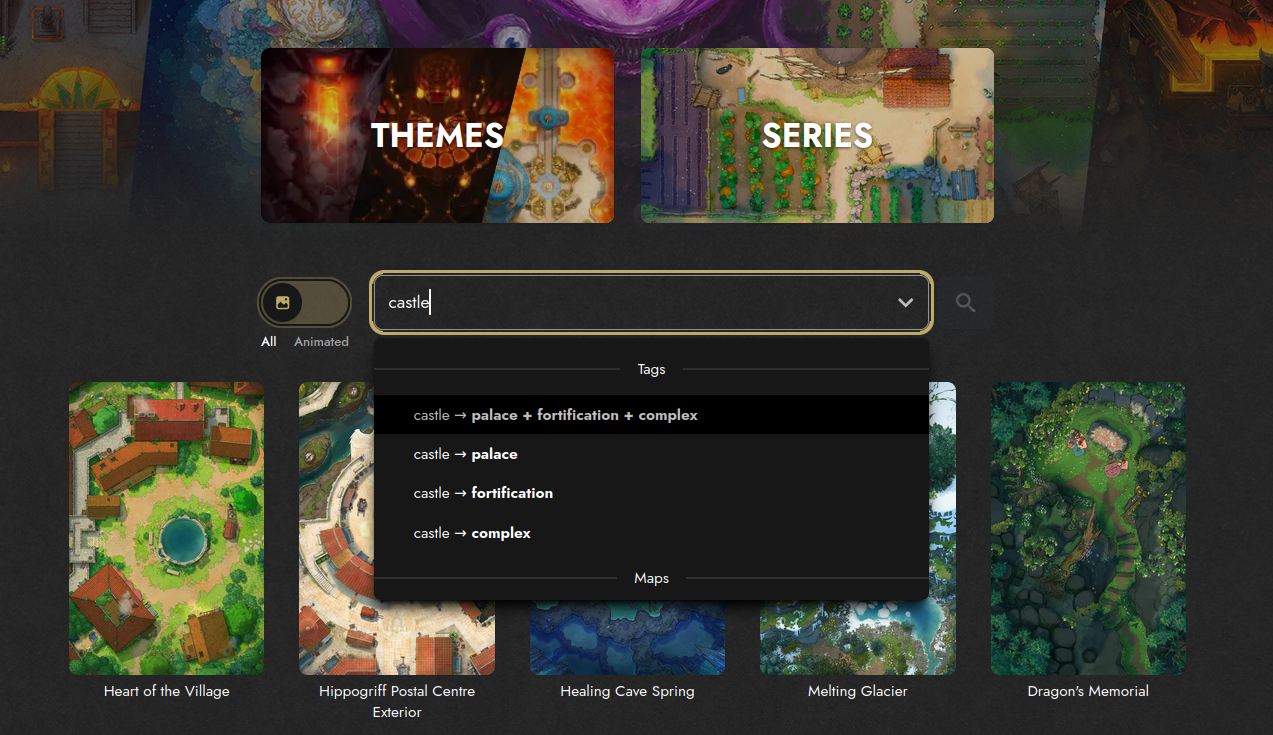
After selecting the appropriate tag(s), you can click the magnifying glass to get all the assets with these tags.
Note that the results will be sorted in order of relevance: for example, if you selected "beach" and "snow" the first results will be the maps matching both these tags, and the following will be maps that may match only one of the tags, or other similar themes.
Tags Examples for Maps and Scenes
Tags are extremely useful when you have a specific idea in mind! Here are a few examples of how they can be used:
- Structure: bridge, camp, or temple to find the exact building you want.
- Season: autumn, spring and snow to help your players feel the passage of time.
- Environment: desert, underwater or toxic to perfectly fit your setting.
- Vibes: moon, erasing or spectral to capture the perfect mood for your game.
Tags Examples for Tokens
With the rapidly increasing number of tokens, tags will greatly help finding the perfect portrait for your PCs and NPCs. Filtering by tag will show you a token personalisation that may fit that tag, even if the default token did not. Here are a few examples of useful tags for tokens:
- Ancestry: need 70 kobolds, a wise aasimar or a forest troll?
- Class: if your PCs need tokens, you might want to look into warlock, barbarian or druid.
- Occupation: maybe you need an NPC alchemist, merchant or criminal?
- Accessory/Style: if you're looking for a specific style or accessory, use tags like flowers, heavy-armored or shovel!
Note that the results will show you if a specific token includes a variant that can fit your needs: for example, elf tokens might have a setting to get rounded ears and then be included in a search for "human". Similarly, tieflings could appear in many different types of tokens!
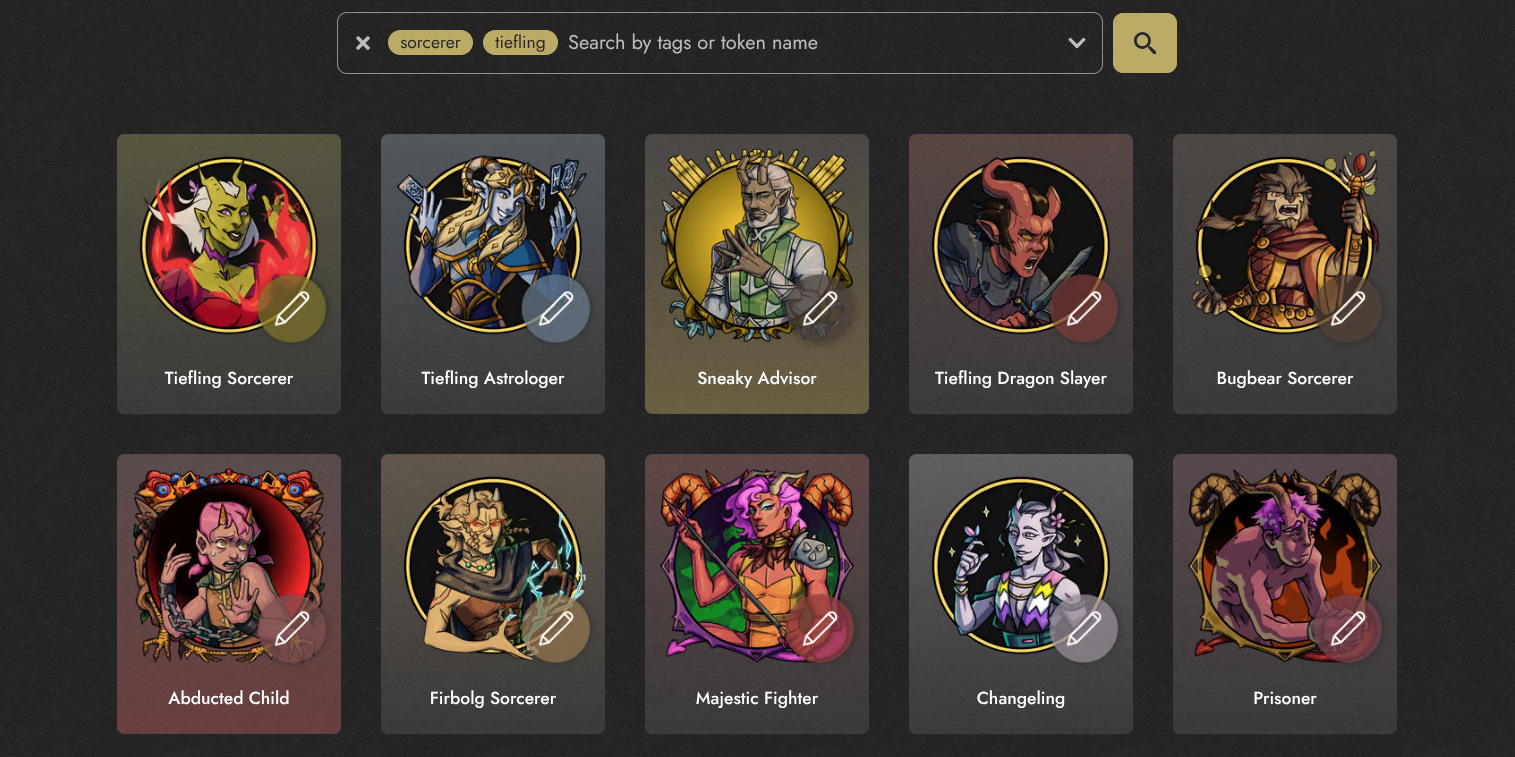
Browse by Theme
At the top of the map and scenes catalogues, you'll see a "Theme" button that will bring you to a list of themes: from "Greener Pastures" to "Arcane Machinations", each theme contains dozens of variations selected by our team to help inspire you.
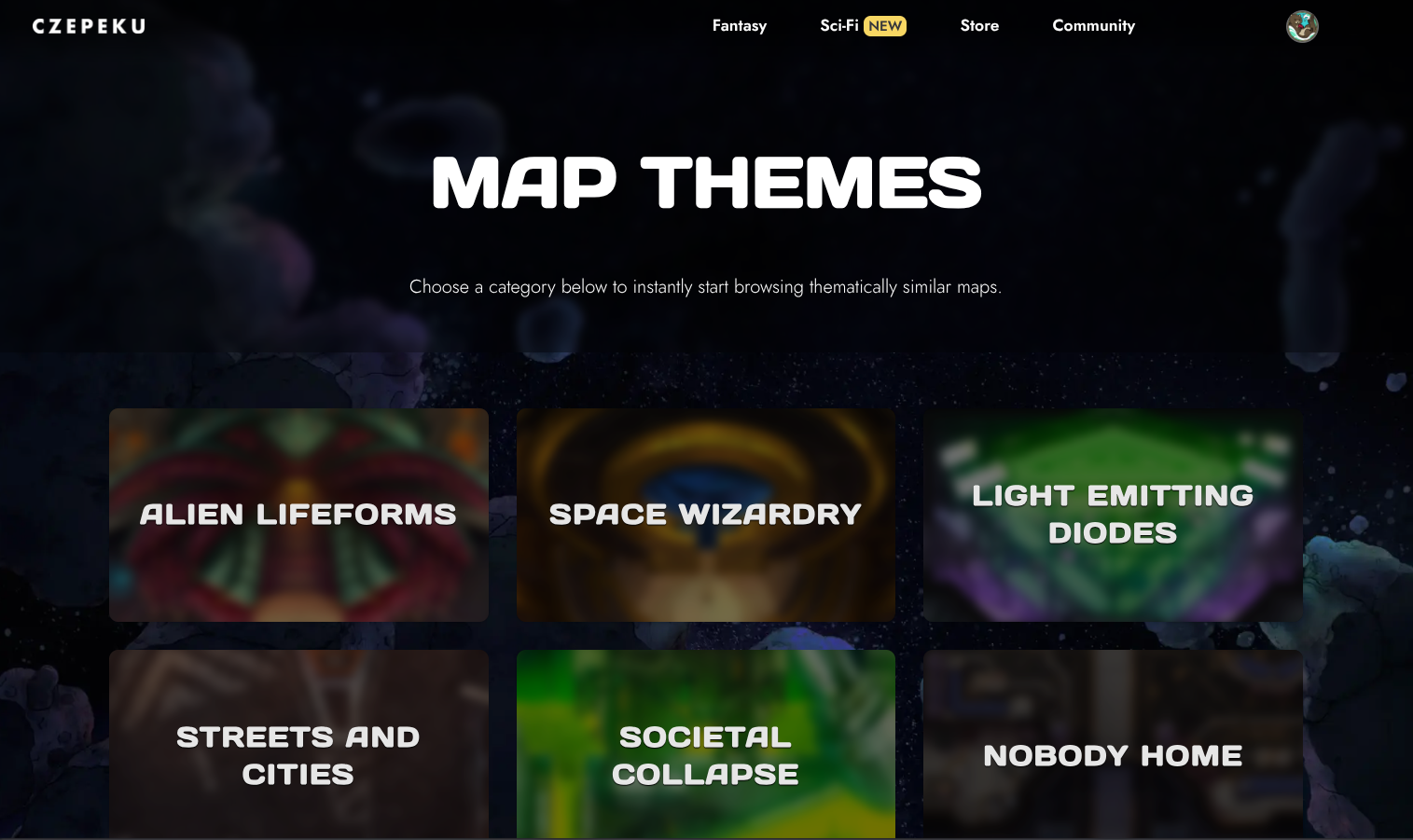
Browse by Series
Some maps and scenes are part of a series: maybe they're different parts of a bigger location like the Elder Brain or different variations of the same concept like the City Centers. You'll find all of them in the corresponding Series page so you can get the most of these connected maps and scenes!
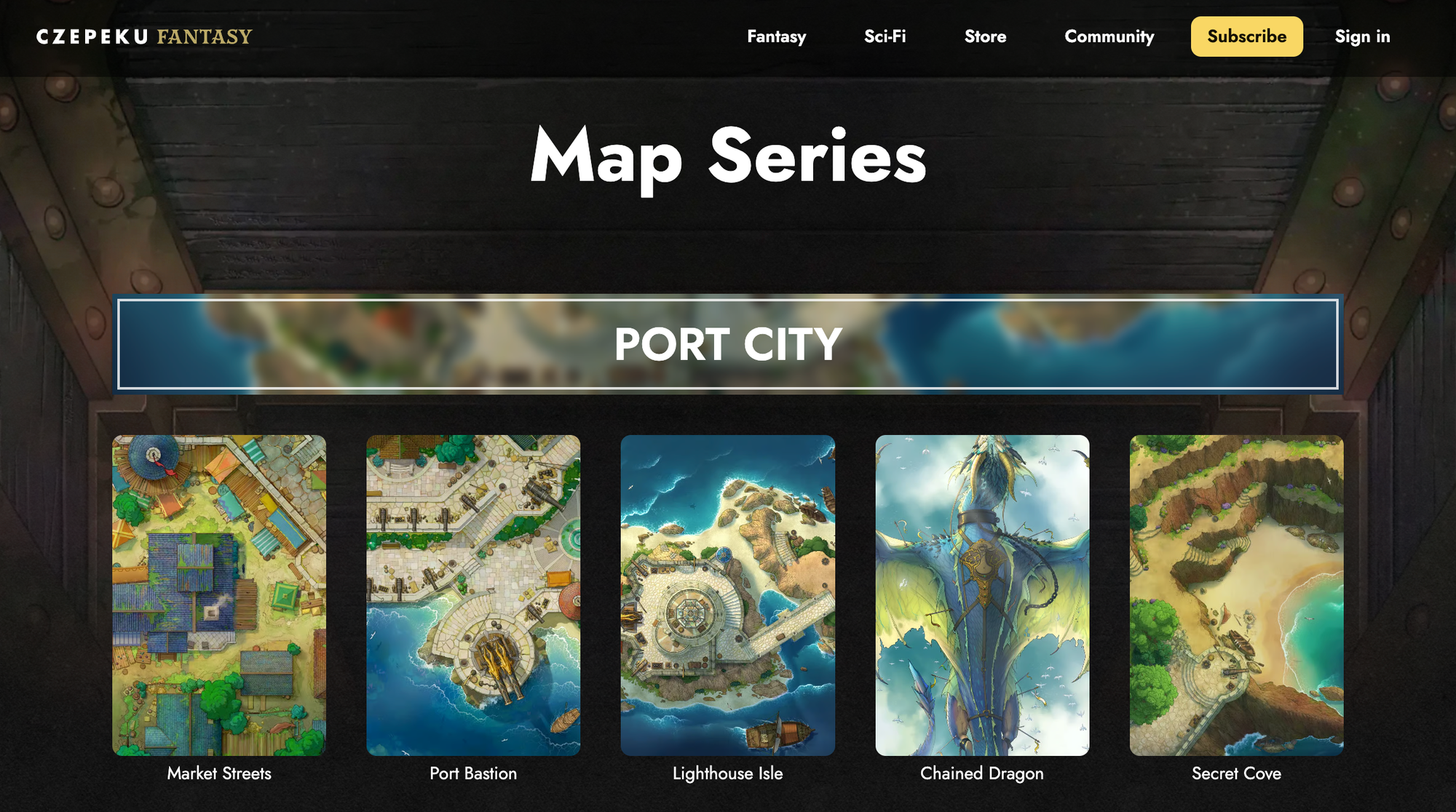
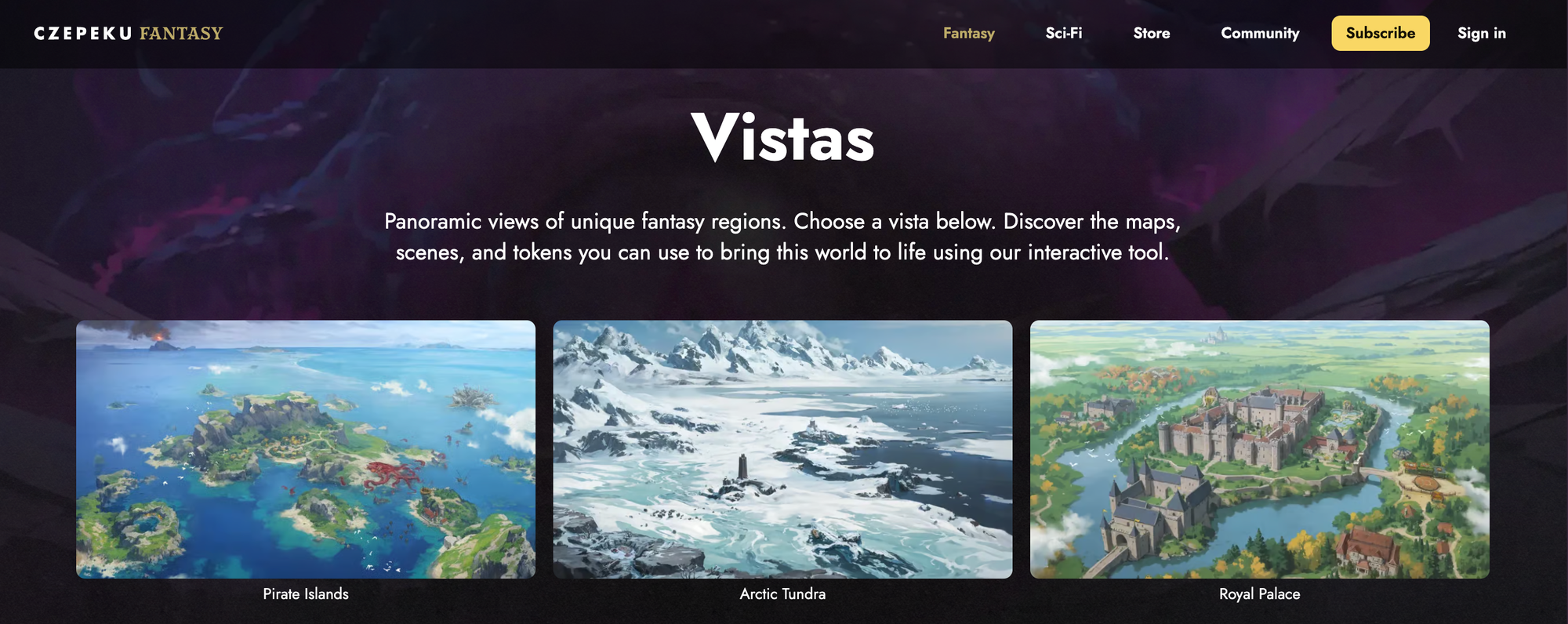
Browse Vistas
Vistas are special scenes that provide a zoomed-out view of a region where different maps and scenes can be found: they serve a similar purpose to the series, but with a visual representation of the connection between the maps! In the Scenes tab, you can use the "Vistas" button to see only the existing vistas.