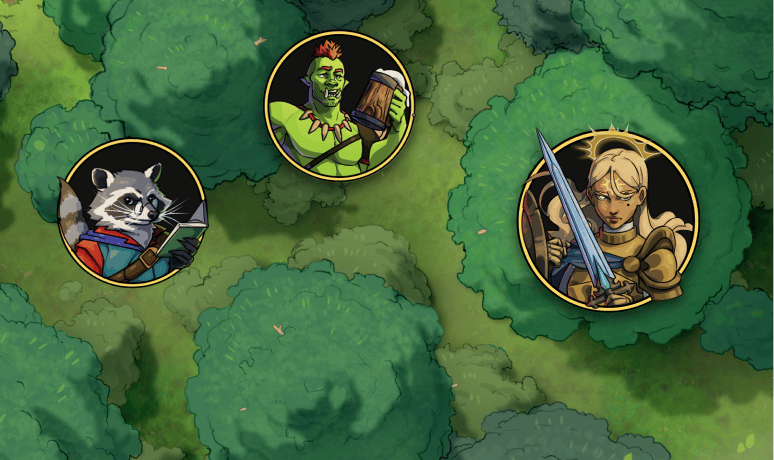
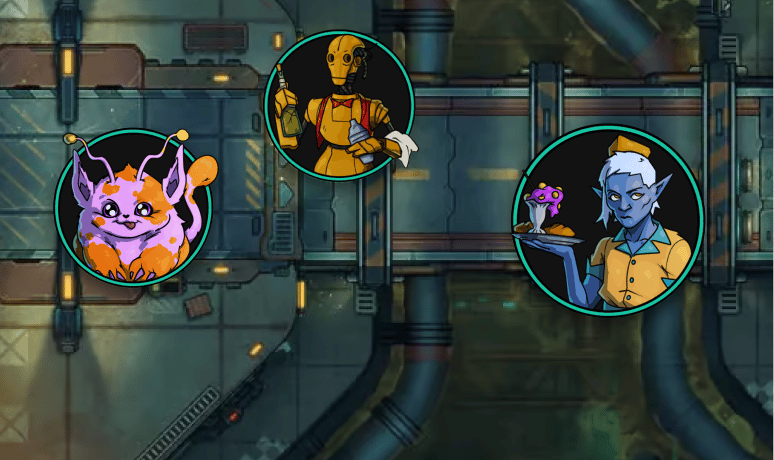
Encounters are a big part of any TTRPG, whether they are friendly conversations with NPCs or harrowing battles against eldritch creatures. As a Game Master, you may want to help player immersion by providing original and dynamic character and creature illustrations for your encounters. Czepeku has you covered with their token projects! For $25 a month, you can gain access to the full archive of tokens and more than 20 new tokens every month, as well as countless personalisation of colors and accessories, for both your fantasy and sci-fi games. This article will explain how to download the tokens once you've subscribed to Czepeku Tokens.
Login to your Czepeku Account
Head over to the sign-in page to make sure you are logged in to your Czepeku account. If you don't have one, now is the perfect time to create one and choose your subscription tier. Visit this article to guide you through that process.
Choose your Token
First, you need to choose the token you want to download: do your adventurers need the help of a robot assistant, or have they angered the moth god? Visit the database of tokens and take your pick! You can also use the search bar to search tokens by name or by tags.
Download your Token
Once you've chosen your token, click on it to open the token page. You can directly download the token here by clicking the top right “Download” button, or customise the token with different colors, accessories, frames and backgrounds. Once you're happy with how your token looks, click on "Download" at the top right of the screen. You can select two file formats for your token: PNG or WEBP. WEBP will produce smaller files but is not supported by all software while PNG produces a bigger file but is more common. There is also an option to export your token to Foundry VTT using Moulinette: just enter your Moulinette API key and export your tokens to Foundry VTT in one click!

If you choose an image file instead of connecting to Moulinette, your token will be downloaded to your computer. You now just have to upload to your favourite VTT!
Share or Save Your Token
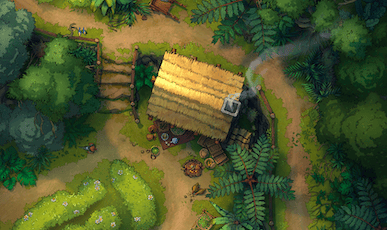
If you click the "Share" button, you can give your token a name and generate a unique URL to your personalised token: if you revisit this URL, you'll get access to the token with your chosen accessories, colors, frame and background saved. For example, here is the link to the Baba Yaga House shown in the previous picture! Note that a valid Token subscription is needed to access personalisation options.